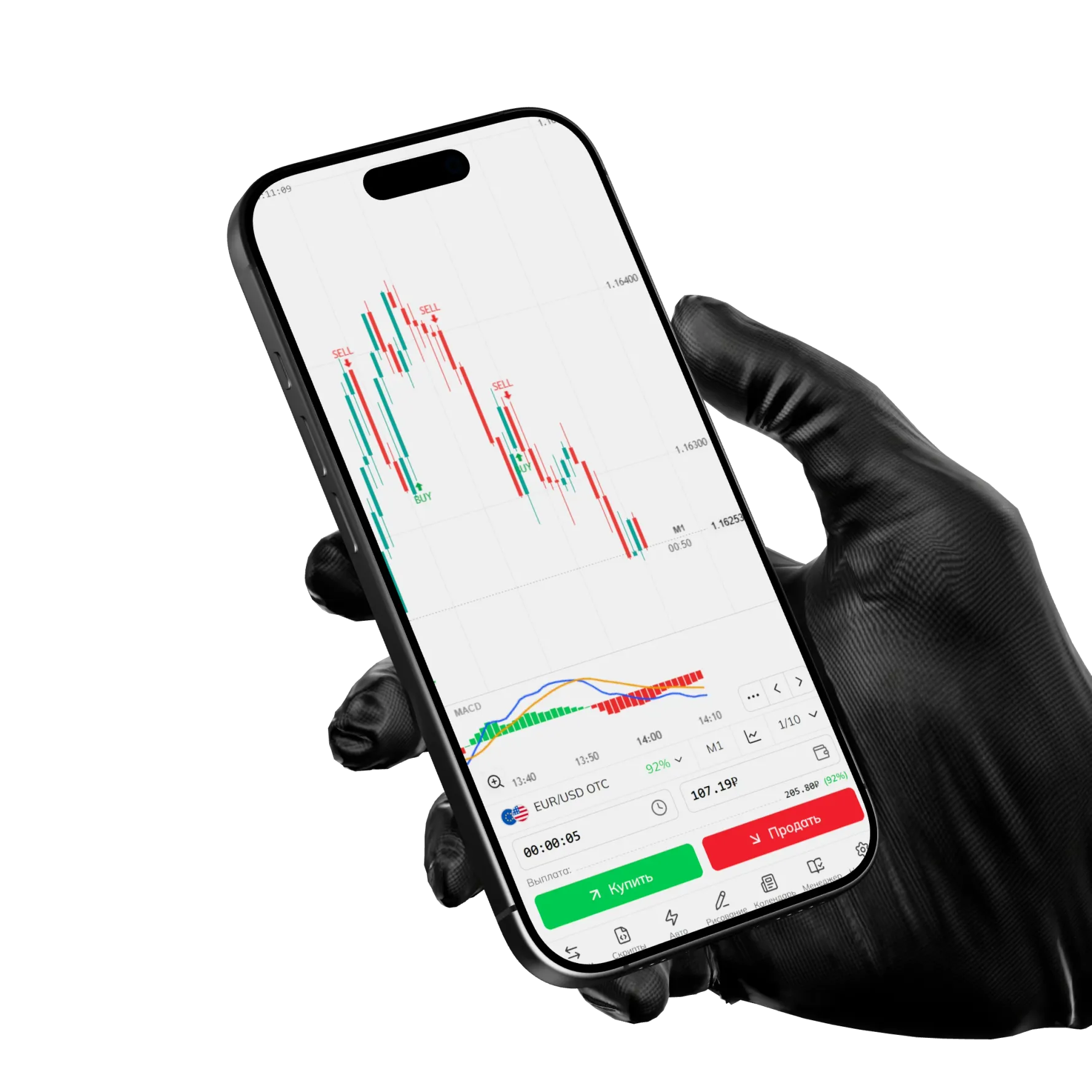

Supercharts for binary options
Up to 15 live charts on one screen: script and indicator builder, auto trading, mass actions, and a community strategy catalog.
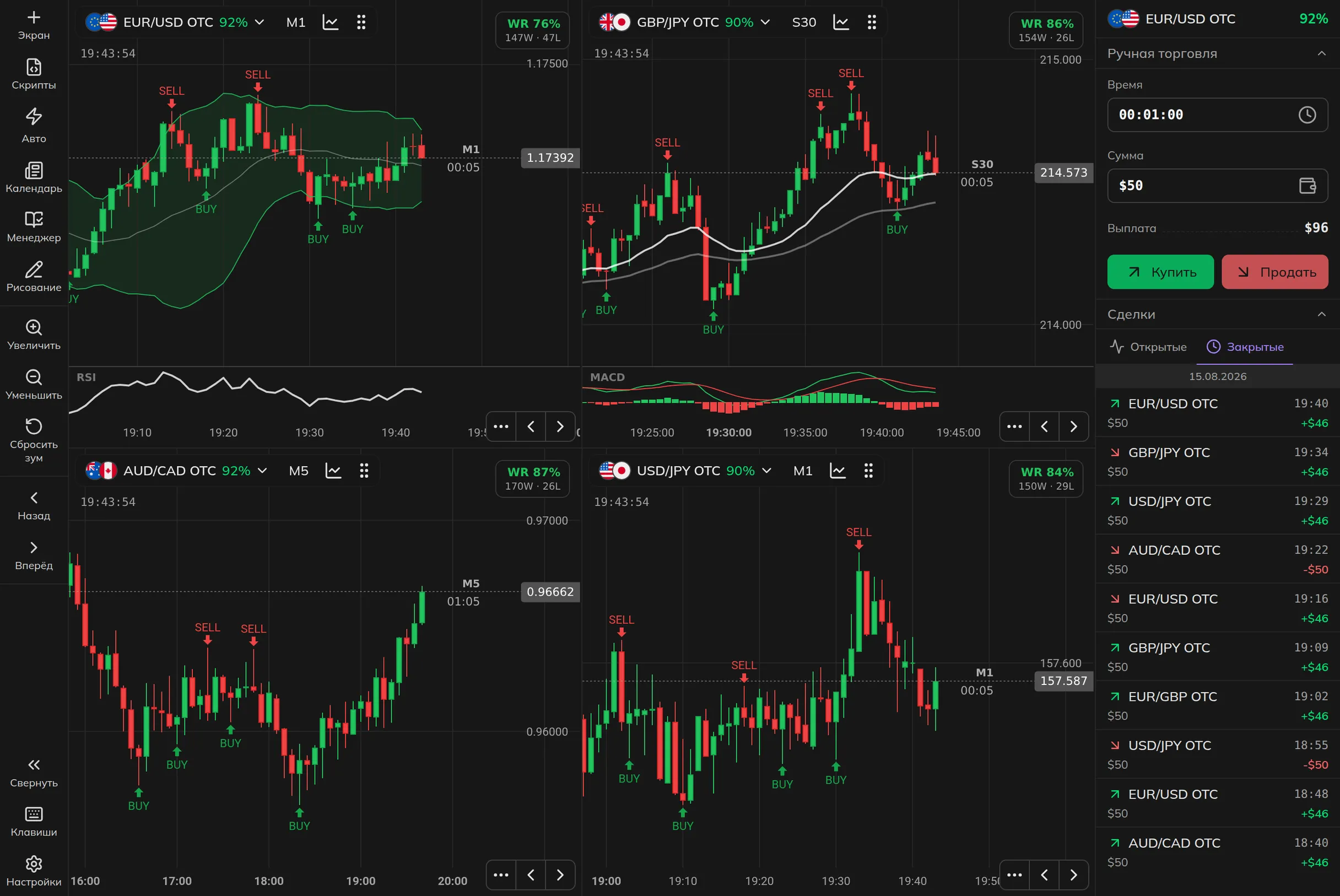
Multi-charts. Up to 15 charts at once: grid, tabs, or sidebar. Light even on a phone: only the visible chart uses resources.
Mass actions. Change a timeframe or add a bot and it applies to all charts at once.
Signal bots. Automatic BUY and SELL signals right on the chart.
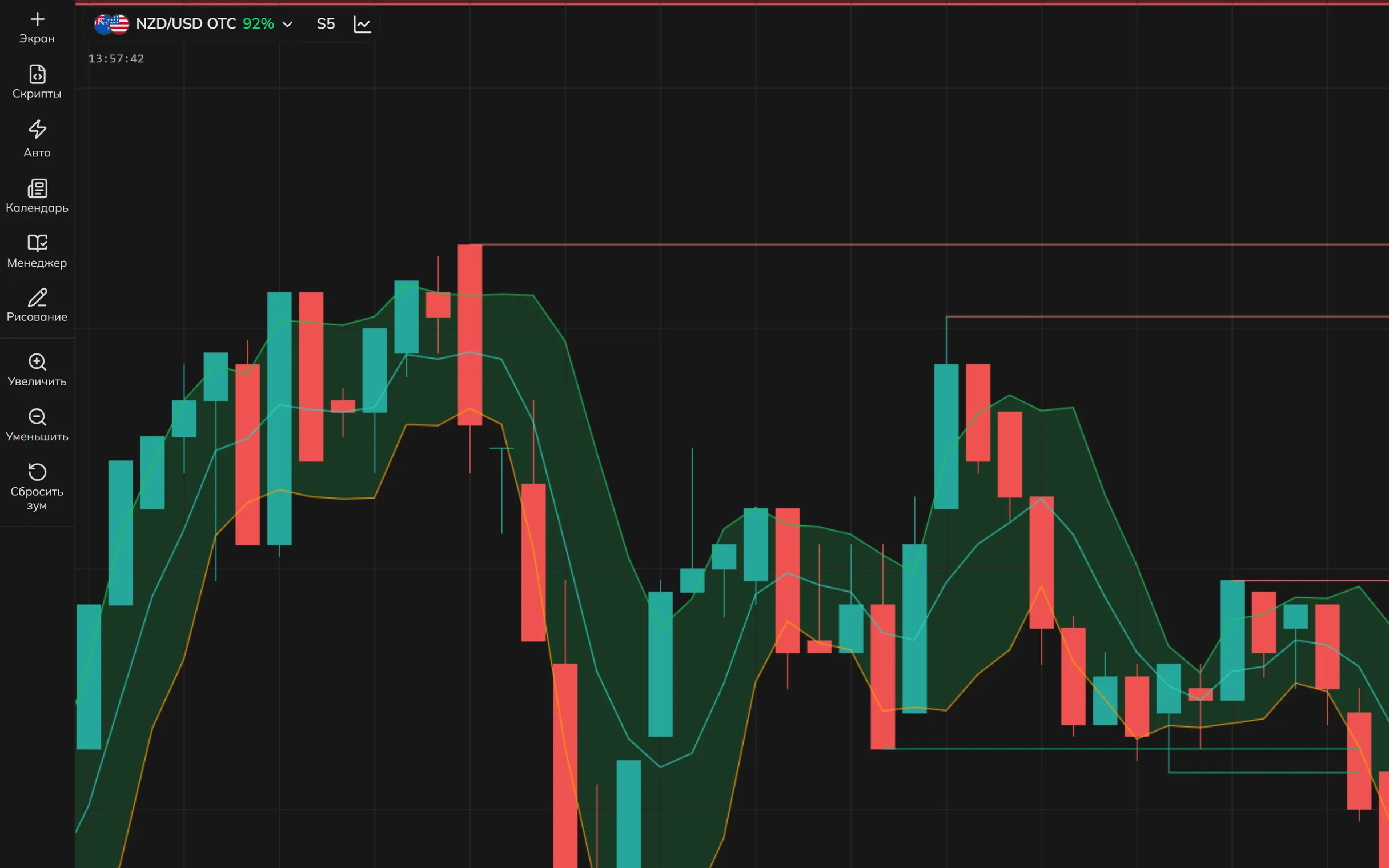
Built-in builder
Code editor for signal bots and indicators: write in JavaScript, test, and launch right in the browser. Version history with rollback lets you experiment without fear.
Community catalog
Ready-made strategies from other traders. Add to favorites and apply instantly.
Everything you need, built in
Essential tools that make Supercharts a complete trading workstation. No extensions or add-ons required.
Drawing tools
Trendlines, Fibonacci, channels, and shapes. Over 15 tools for analysis.
Real-time statistics
Win rate and bet streak results update with every candle.
Proprietary indicators
Built specifically for Pocket Option OTC price data.
Payout control
Minimum payout threshold and auto-switching charts to profitable pairs: on payout drops or on a timer.
AI writes code for you
Use ready-made prompts or describe your idea in any AI and paste the result into the builder.
Sound alerts
Distinct sounds for signals, trades, and bot statuses, including trade sounds just like in the broker terminal.
Auto trading on script signals
Grab a ready-made script from the catalog or create your own. The bot opens trades on its signals and stops exactly at your limits. On a demo or real account.
Signals from all charts
The bot watches all pairs at once and enters where the signal is confirmed. The terminal can even switch to the pair where a trade is running.
Everything on the chart
The signal, entry, and result of every trade are drawn right on the chart. You always see what the bot is doing and why.
5 series strategies
Martingale, Custom Martingale, Anti-Martingale, Compensation, and Fixed trade. For any risk profile and deposit.
Limits & risk forecast
Stop-loss and take-profit are set as an amount or a percent of balance, and the launch summary shows every trade step and the maximum risk in advance.
You stay in control: stop in one click, and limits cap the risk even when you are away from the screen.
Risk Management & Trading Journal Inside the Multi-Charts
The Trading Manager opens in one click right on your charts: pick one of 6 strategies, set a profit target and loss limit, and your broker trades get logged in the journal automatically.
bet sizing strategies
accounts: demo and real
of trades journaled automatically
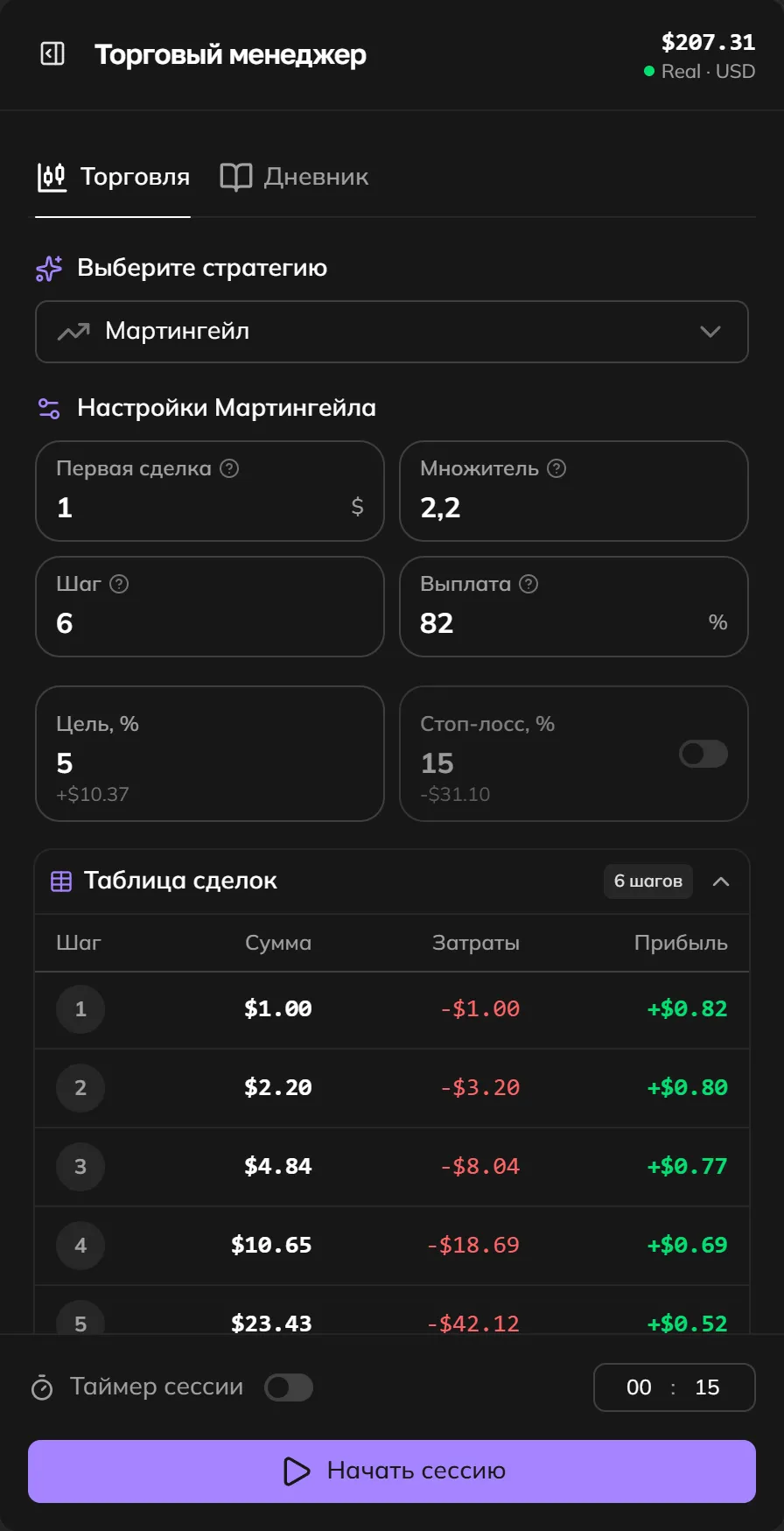
Launch Strategy. Set your balance, bet amount, and goal. The calculator will plan your session and size every step for you.
Active Session. Track your trading in real time: current result, progress toward your goal, and the next bet.
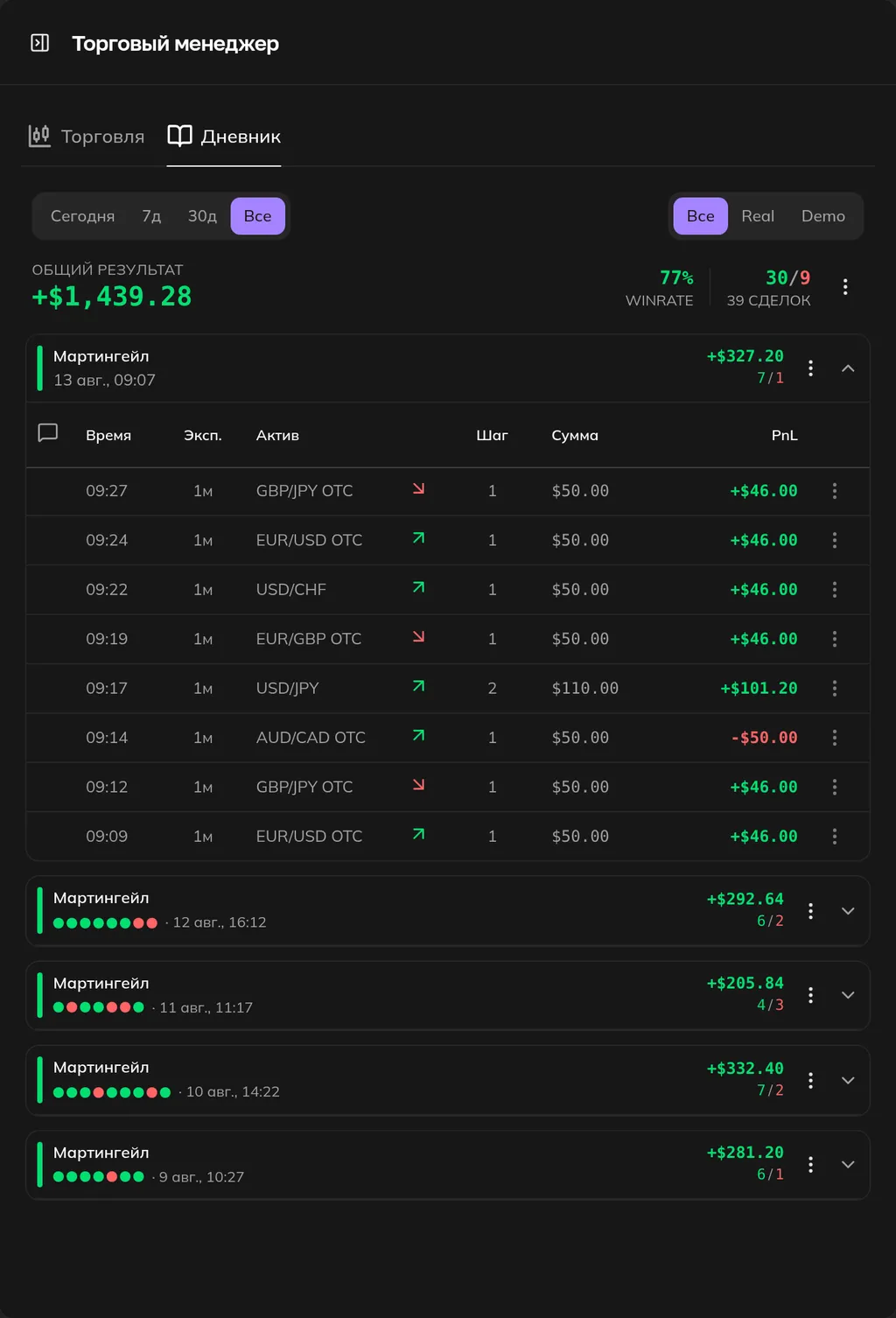
Trading Journal. Full session history: results, stats, and daily progress.
FAQ
Three steps to your first trade
Signing up takes a few minutes. Every tool on the platform is free, no subscriptions.
Create an account
Your Pocket Option account is created right here: email and password, no extra forms.
Fund your account
From $5 into the broker's trading account. The full amount stays yours and is ready to trade, we never charge anything.
Open the terminal
Supercharts, signal bots and auto trading are waiting. Make your first trade on a demo or real account.
Free, with no subscriptions or hidden fees.